Fast, intuitive Unicode character finder with powerful search, favorites, and direct input tools
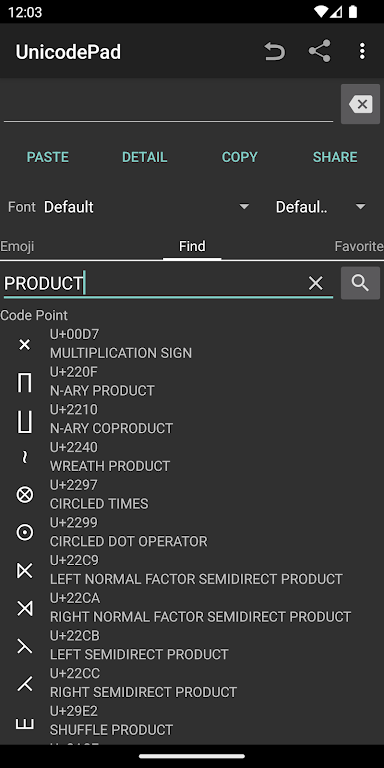
UnicodePad makes it easy to browse, copy, and input any Unicode character—ideal for creators, developers, designers, and multilingual users. Explore full character sets, view detailed code-point data, and quickly insert symbols using Mushroom or your clipboard. This smooth workflow also helps with tasks like emoji mapping, font testing, and character encoding checks.
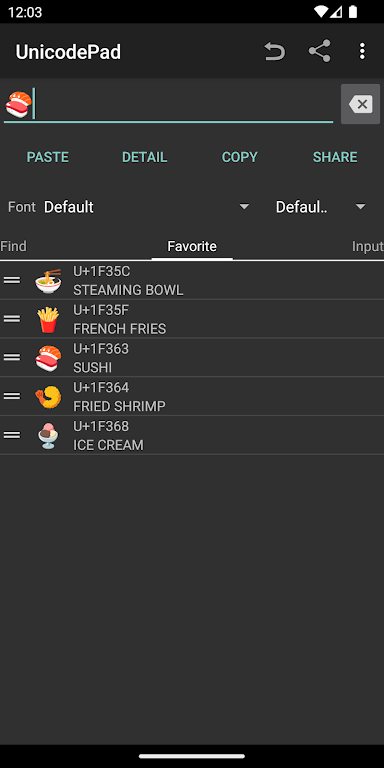
Find characters instantly, preview them in large size, and save favorites for quick access. If a special symbol doesn’t render, simply install a compatible font such as Noto. Perfect for productivity users looking for a reliable Unicode keyboard alternative, glyph explorer, or character map tool.
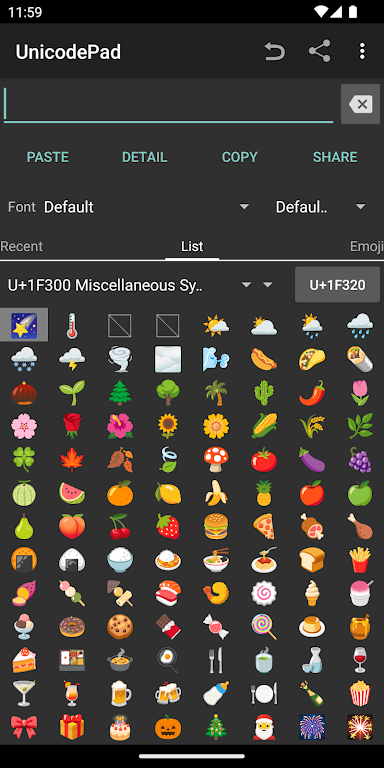
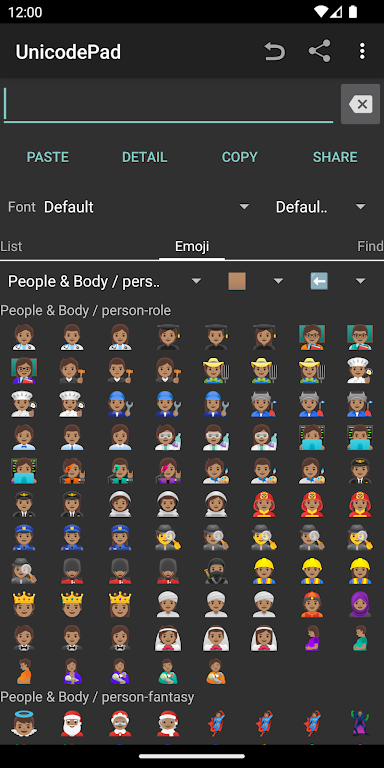
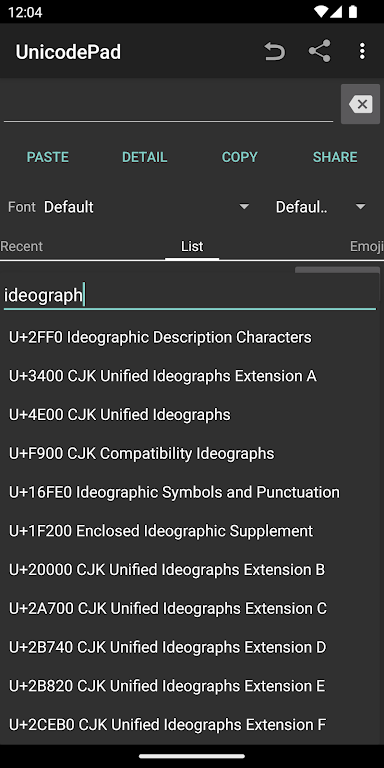
- Browse and input all Unicode characters with fast search and clean navigation.
- Copy strings to clipboard or input directly using Mushroom integration.
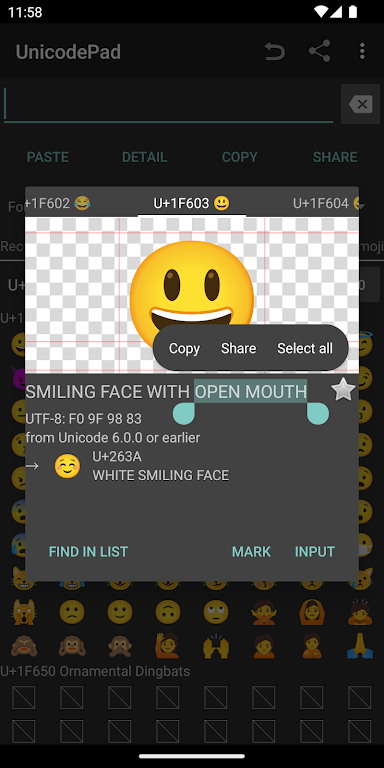
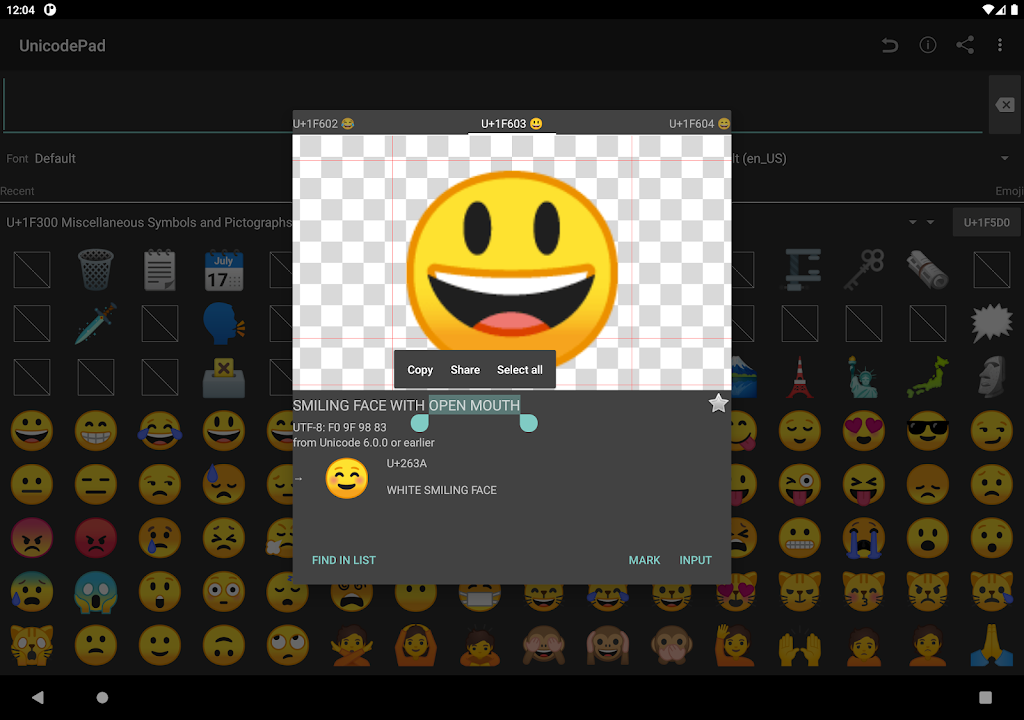
- Long-press any symbol to view enlarged previews and detailed code-point info.
- Save frequently used characters to your Favorites list for faster access.
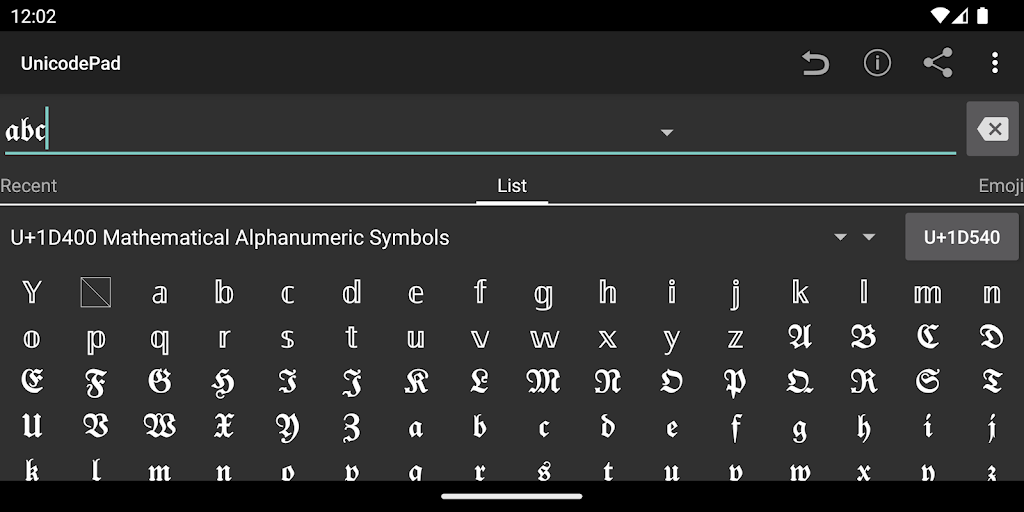
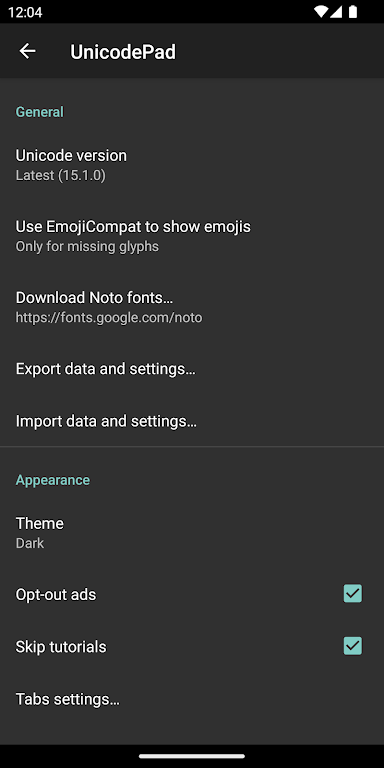
- Supports external fonts (e.g., Noto) for viewing special or rare glyphs.
Controls:
Click – Input character
Long click – Show character information
You can contribute to this app on GitHub:
https://github.com/Ryosuke839/UnicodePad
This application includes a modified version of the Unicode Data File.
(http://www.unicode.org/Public/13.0.0/ucd/NamesList.txt)
Copyright © 1991-2020 Unicode, Inc. All rights reserved.
Distributed under the Terms of Use in http://www.unicode.org/copyright.html.