Universal Smart TV Remote – Control All Your Smart TVs with Ease!
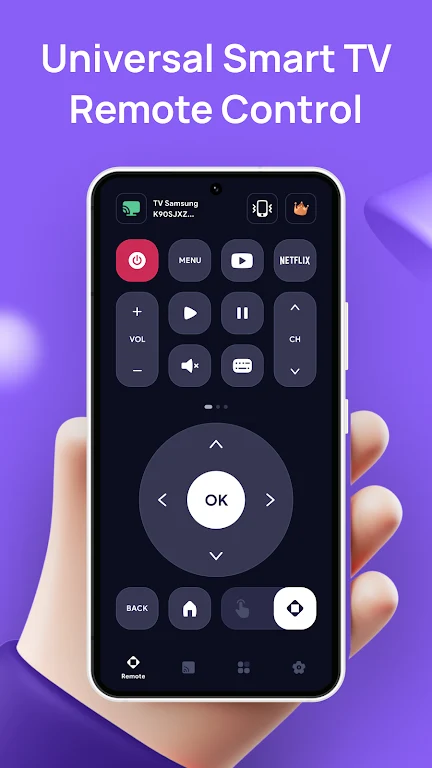
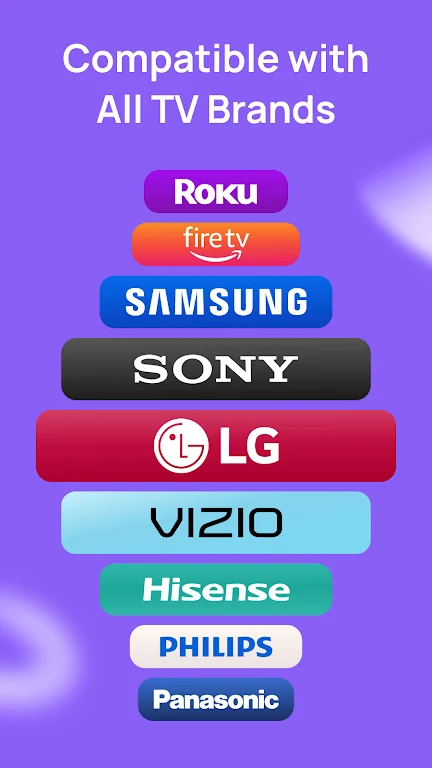
Transform your smartphone into the ultimate universal TV remote and manage all your smart TVs effortlessly! The Universal Smart TV Remote app is compatible with a wide range of popular TV brands, including Samsung Smart TV, LG TV, Sony TV, Vizio TV, Hisense TV, Roku TV, Firestick TV, and Android TV. Say goodbye to the hassle of lost remotes and control all your TVs from a single app.
This is more than just a basic remote control—it's your all-in-one solution for managing your home entertainment system. Whether you need a Samsung Smart TV remote, a Vizio TV remote, or a Firestick remote, this app replaces traditional remotes with seamless, intuitive controls. It’s perfect for controlling any smart TV with just your phone.
With a quick Wi-Fi setup, you can start controlling your Samsung, LG, Sony, Vizio, Hisense, Firestick, Roku, and Android TV devices instantly. Experience the convenience of controlling your TV, changing channels, adjusting volume, and even using voice commands—all from your phone!
Key Features:
- Universal TV Remote Control: Works with Samsung Smart TV, LG TV, Roku TV, Sony TV, Vizio TV, Hisense TV, Firestick TV, and more.
- Quick & Easy Setup: No extra hardware required—connect directly to your TV via Wi-Fi.
- Full Remote Functions: Adjust volume, change channels, navigate apps, and access menus.
- Smart TV Compatibility: Works with Firestick, Vizio, Toshiba, and Roku TV remotes.
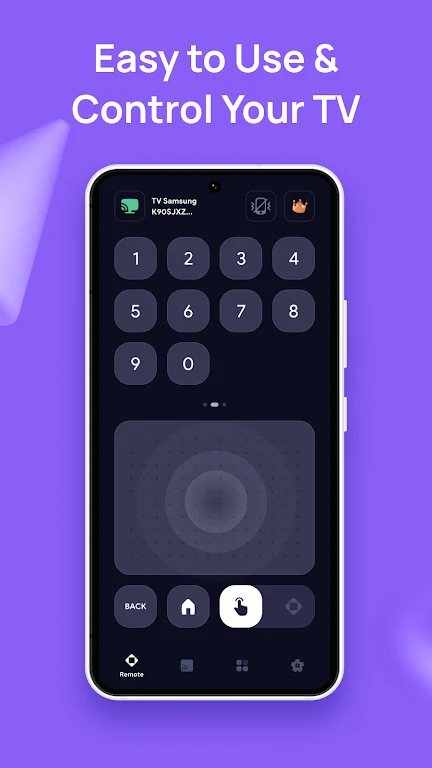
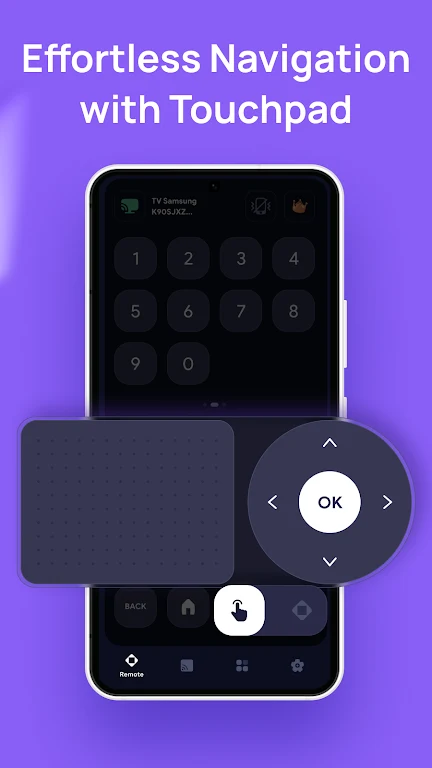
- Touchpad & Gesture Navigation: Swipe, tap, and scroll for easy and fast control.
Supported Smart TVs & Devices:
- Samsung Smart TV Remote: Control your Samsung Smart TV with ease.
- LG TV Remote Control: Seamless navigation for all LG Smart TV models.
- Sony TV Remote: Universal support for all Sony TV models.
- Vizio TV Remote: Control your Vizio TV without the need for a physical remote.
- Firestick Remote Control: Replace your Firestick remote with this app.
- Android TV Remote: Easily manage any Android TV device.
How It Works:
To get started, ensure that both your TV and smartphone are connected to the same Wi-Fi network. Open the app, select your TV brand (e.g., Samsung, LG, Sony, Firestick, etc.), and follow the simple on-screen instructions to pair your phone with your TV. Once paired, you'll be able to control your TV instantly. No more lost remotes!
Before You Start:
Make sure VPN is turned off on your device before connecting. Both your phone and TV need to be linked to the same Wi-Fi network for seamless control.
Terms of Use: http://metaverselabs.ai/terms-of-use/
Privacy Policy: http://metaverselabs.ai/privacy-policy/